
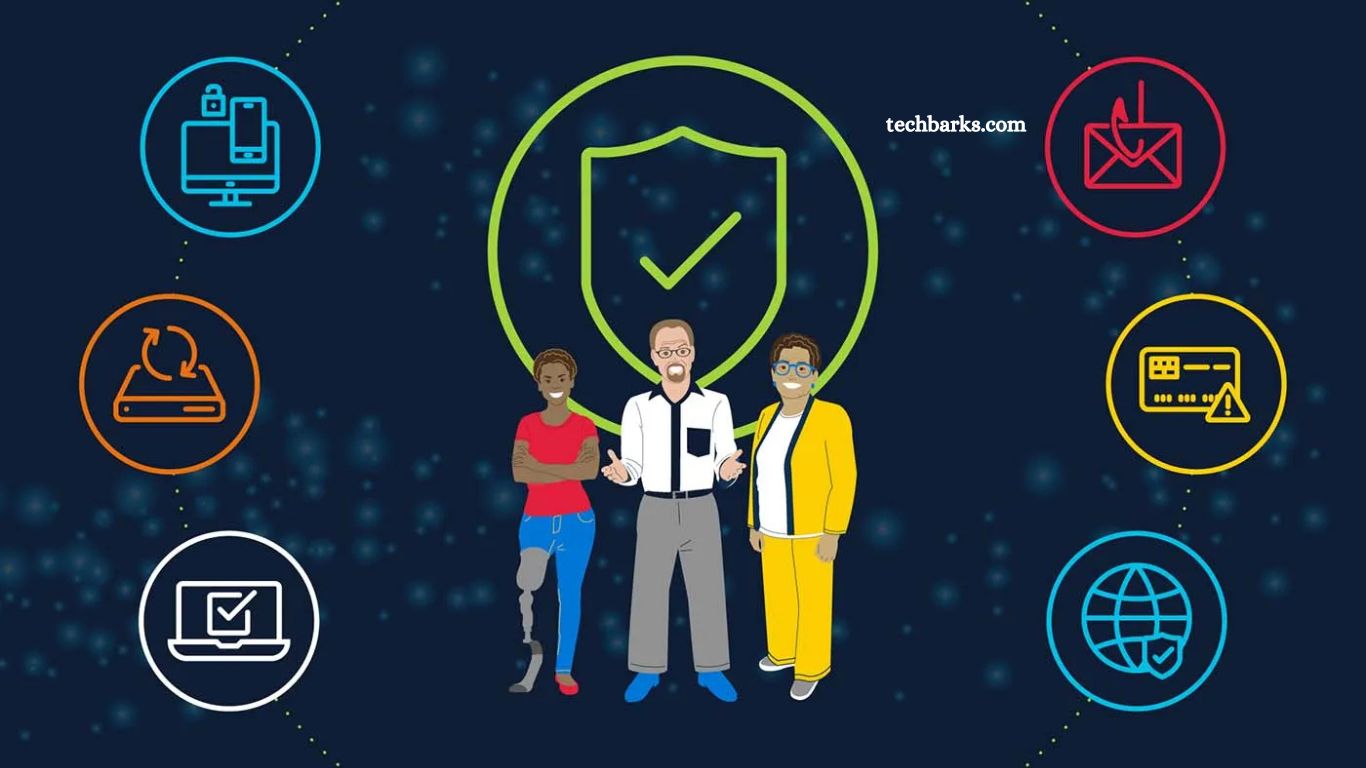
Digital world growth brings convenience, speed, and global connection. Alongside benefits, cyber threats rise fast. Hackers target personal data, financial details, and business information.
Strong cybersecurity habits protect privacy, prevent identity theft, and secure digital life. This guide delivers practical, easy-to-follow cybersecurity tips designed for everyday users and professionals alike.
Read More: How Cloud Computing is Transforming Industries
Why Cybersecurity Matters
Online data holds value. Email accounts, banking apps, and social media profiles store sensitive information. Weak protection leads to:
- Identity theft
- Financial loss
- Data breaches
- Privacy invasion
Strong security practices reduce risk and ensure a safer online experience.
Use Strong, Unique Passwords
The password acts as the first defense line.
Best practices:
- Create long passwords (12+ characters)
- Mix uppercase, lowercase, numbers, symbols
- Avoid names, birthdays, and simple patterns
- Use a different password for each account
Pro tip: PA password manager helps store and generate secure passwords.
Enable Two-Factor Authentication (2FA)
2FA adds an extra security layer. Even if the password gets stolen, the second verification step blocks unauthorized access.
Common 2FA methods:
- SMS codes
- Authentication apps
- Biometric verification
Always enable 2FA for email,banking, and sociall accounts.
Keep Software Updated
Outdated software creates security gaps.
Update regularly:
- Operating systems
- Browsers
- Mobile apps
- Antivirus tools
Updates fix vulnerabilities and improve system protection.
Avoid Suspicious Links, Emails
Phishing attacks trick users into sharing sensitive data.
Stay alert:
- Do not click on unknown links
- Verify sender email address
- Avoid downloading unknown attachments
- Watch for urgent, alarming messages
Think before clicking.
Use Secure Internet Connections
Public Wi-Fi networks often lack security.
Safety tips:
- Avoid accessing banking accounts on public Wi-Fi
- Use a VPN for an encrypted connection
- Prefer trusted networks
Secure connection prevents data interception.
Install Reliable Security Software
Antiviru, and anti-malware tools detect threats early.
Benefits:
- Real-time protection
- Malware detection
- Safe browsing alerts
Choose trusted security solutions, keep them updated.
Backup Important Data
Data loss occurs due to cyberattacks and hardware failures.
Backup strategy:
- Use cloud storage
- External hard drives
- Schedule automatic backups
Backup ensures data recovery during emergencies.
Limit Personal Information Sharing
Oversharing online increases risk.
Be cautious:
- Avoid posting sensitive details
- Adjust privacy settings
- Restrict profile visibility
Less exposure equals better security.
Monitor Accounts Regularly
Frequent checks help detect unusual activity.
Watch for:
- Unknown logins
- Unauthorized transactions
- Password reset alerts
Early detection prevents major damage.
Educate Yourself About Cyber Threats
Cybersecurity awareness strengthens protection.
Learn about:
- Phishing scams
- Ransomware
- Social engineering attacks
Knowledge helps recognize threats quickly.
Frequently Asked Questions
What is cybersecurity?
Cybersecurity protects devices, networks, and data from unauthorized access, attacks, and damage.
Why strong passwords matter?
Strong passwords prevent hackers from easily accessing accounts and sensitive information.
What does 2FA do?
2FA adds an extra verification step, increasing account security beyoa nd password.
Is public Wi-Fi safe?
Public Wi-Fi is often unsafe; avoid sensitive transactions without a VPN.
How often update software?
Update software regularly or enable automatic updates for best protection.
What is phishing?
Phishing tricks users into sharing personal data through fake emails and links.
Conclusion
Cybersecurity demands consistent attention, smart habits, and a proactive mindset. Strong passwords, two-factor authentication, regular updates, and cautious browsing create a powerful defense against cyber threats. Small preventive actions reduce major risks, protect personal data, financial information, and digital identity.
